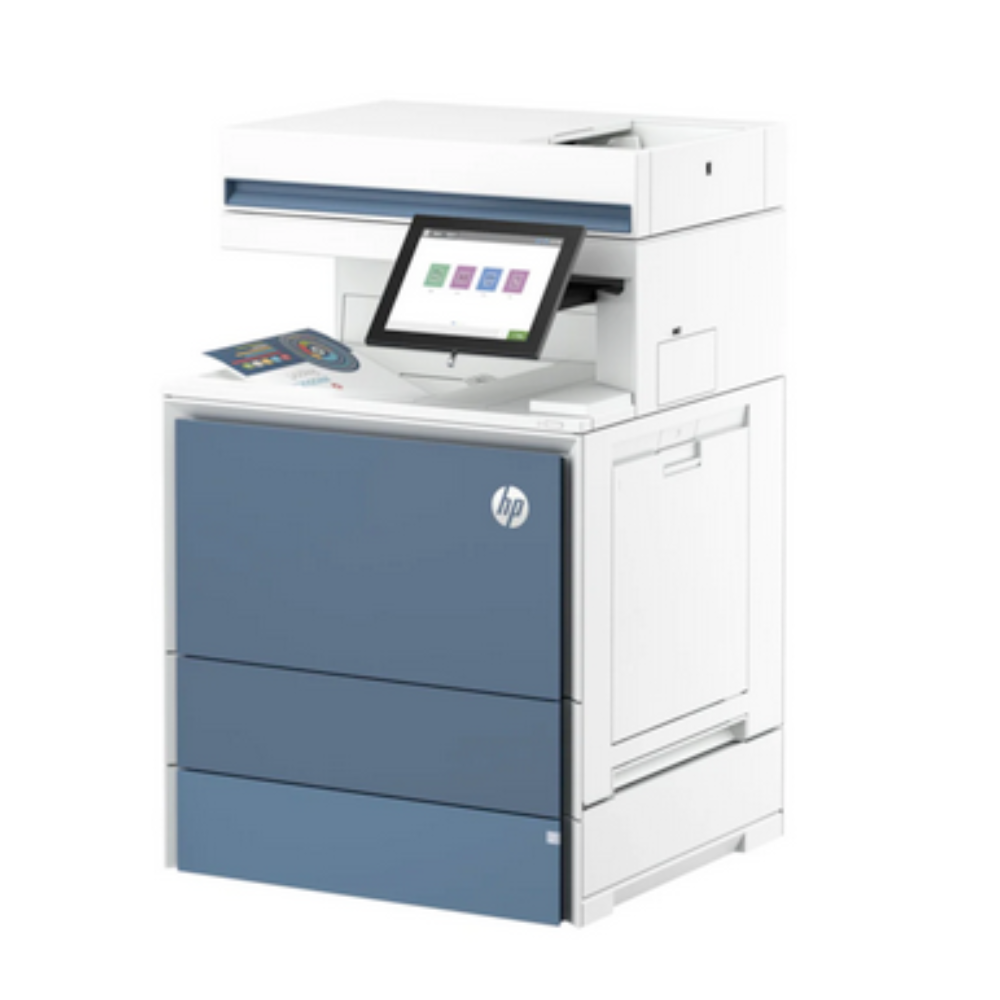
HP X677DN: Enterprise-Level Efficiency
Engineered for high-demand workplaces, the HP X677DN delivers blazing speed, enterprise-grade security, and seamless workflow integration. Ideal for large offices, organizations, and teams requiring professional-grade printing, scanning, copying, and faxing.
Key Features & Benefits:
-
Ultra-Fast Performance: Print at up to 65 pages per minute (A4) with first-page-out in under 8 seconds.
-
Advanced Workflow Tools: Integrates with HP Smart Device Services, cloud scanning, and network management for streamlined operations.
-
Superior Paper Handling: Standard 1,200-sheet capacity, expandable up to 6,650 sheets with optional trays for uninterrupted workflows.
-
Professional Output: 1,200 x 1,200 dpi resolution ensures crisp text and vibrant graphics.
-
Smart Scanning: Scan directly to email, network folders, or cloud services with intuitive touchscreen controls.
-
Military-Grade Security: Includes Secure Print, encrypted hard drive, device-level threat management, and compliance-ready features (HIPAA/GDPR).
-
Sustainability: ENERGY STAR® certified, Toner Save Mode, and eco-conscious design.
Ideal For:
-
Large offices or corporate environments with high-volume printing needs.
-
Organizations requiring advanced security and compliance features.
-
Teams leveraging cloud workflows with Microsoft 365, Google Workspace, or hybrid networks.
Technical Specifications:
-
Print Speed: Up to 65 ppm (color & monochrome)
-
Resolution: 1,200 x 1,200 dpi
-
Memory: 8GB standard, expandable
-
Connectivity: Gigabit Ethernet, USB 3.0, Wi-Fi, NFC, optional mobile printing
-
Paper Sizes: A3, A4, A5, Legal, Custom sizes (up to 12″ x 18″)
-
Warranty: 3-year standard service plan
Installation & Usage Guidelines:
-
Place the printer on a stable, well-ventilated surface, away from direct sunlight. Maximum configured height: 127 cm (50.1 in).
-
Avoid extending more than one tray at a time. Keep hands clear when closing trays.
-
Attach optional accessories (trays, finishers, panel kits) prior to connecting power or network cables.
-
Connect the network cable before enabling USB connections.
-
Fax setup requires connecting an RJ11 phone cord; regional adapters may be needed.
-
Enable high-speed USB via the control panel before connecting the cable.
-
Install software using HP Easy Start (Windows/macOS) or download from HP Product Support for managed setups.